TickPick Creator Brand Guidelines
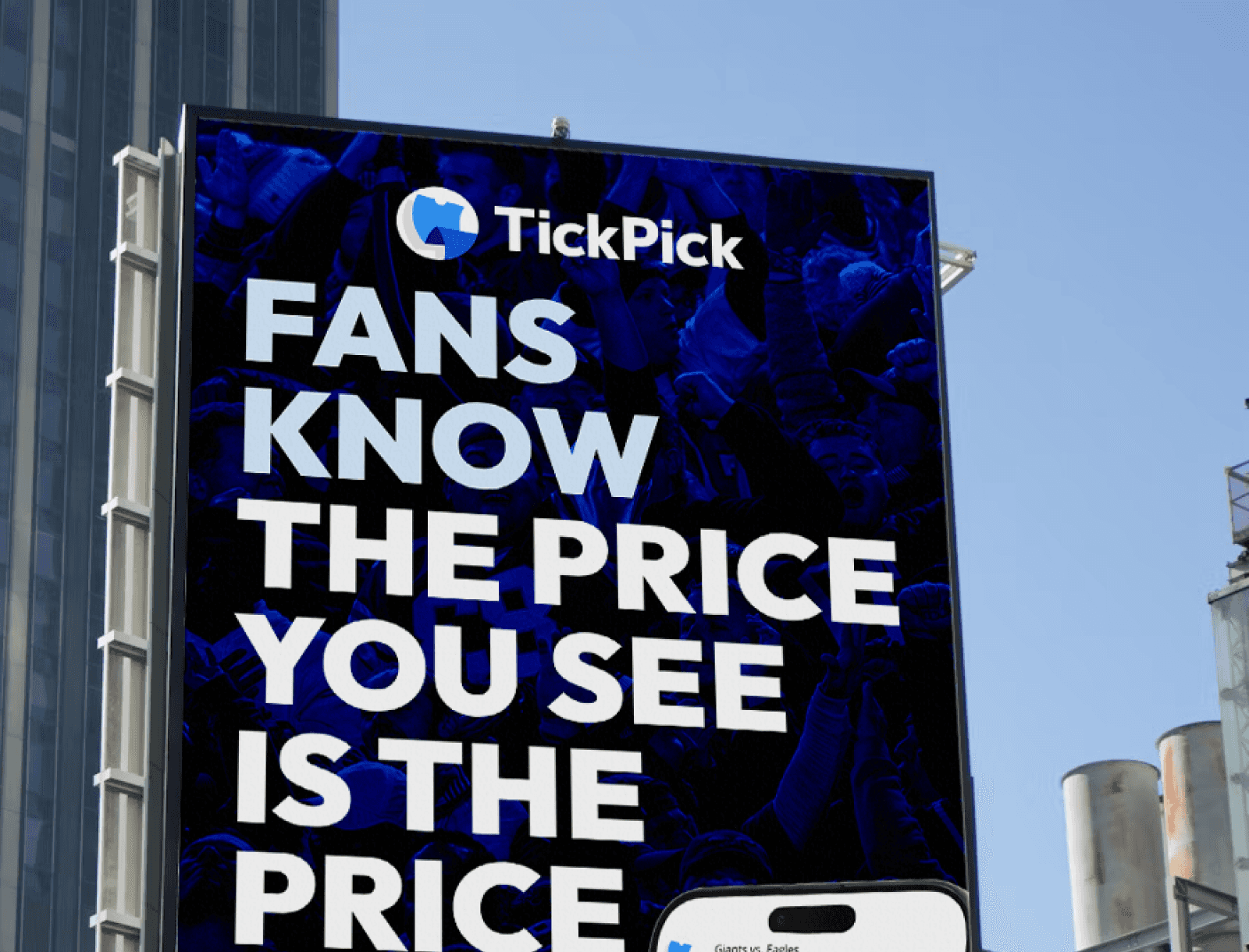
Our visual identity represents clarity, trust, and simplicity. Every element is designed to make TickPick instantly recognizable.

Do’s (What Creators Should Always Do)
✔ Use approved files only: Always download the official TickPick logo assets (PNG/SVG)
✔ Maintain clear space: Give the logo breathing room, don’t crowd it with text or other visuals.
✔ Respect proportions: Always scale the logo proportionally - no stretching or squishing.
✔ Correct colors & contrast:
• Use light logos on dark backgrounds and dark logos on light backgrounds.
• Ensure enough contrast for legibility.
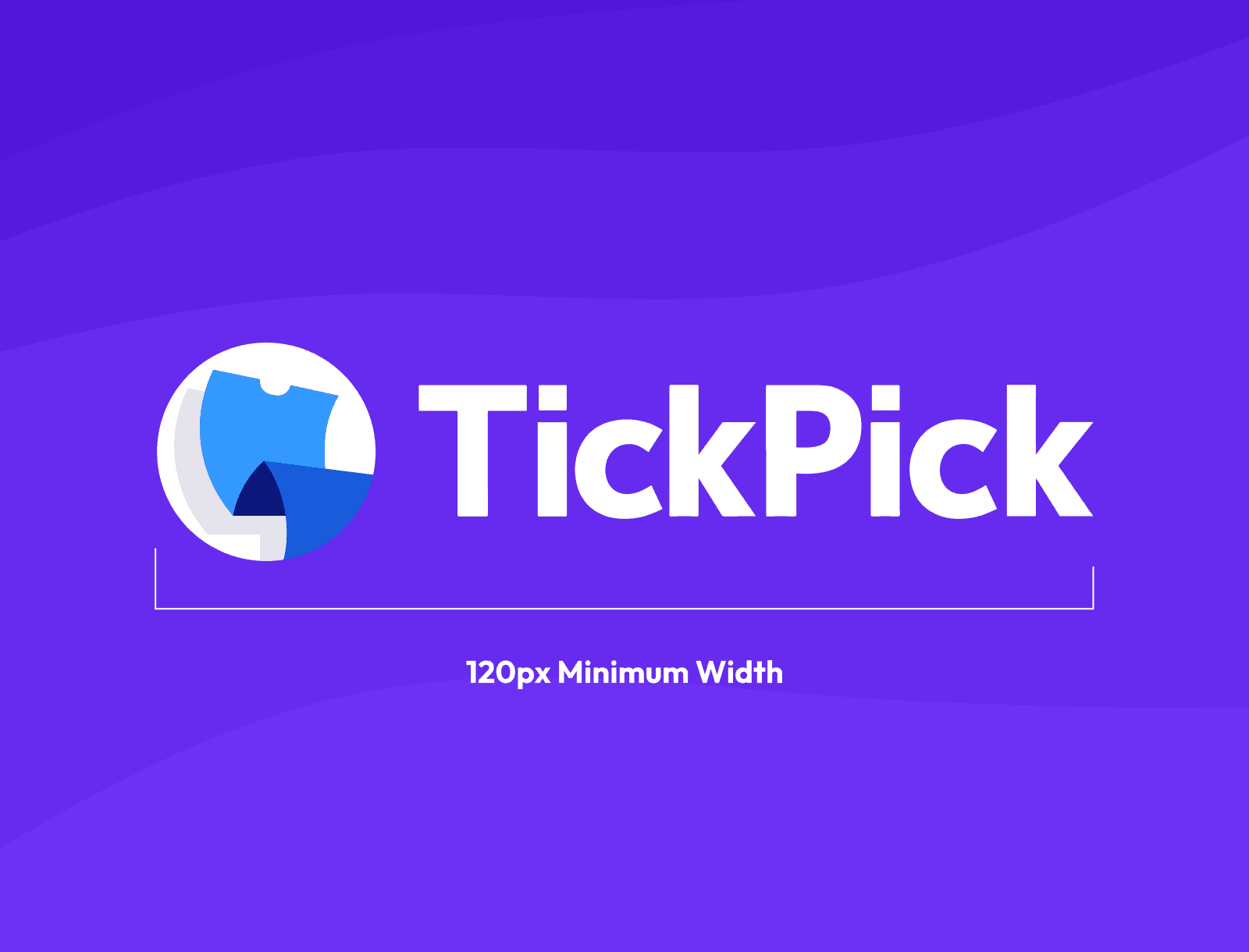
✔ Follow size minimums: Don’t make the logo too small - especially in thumbnails and lower-thirds.
✔ Keep the logo visible: Place it where it can be easily seen (corner, lower-third, thumbnail area).
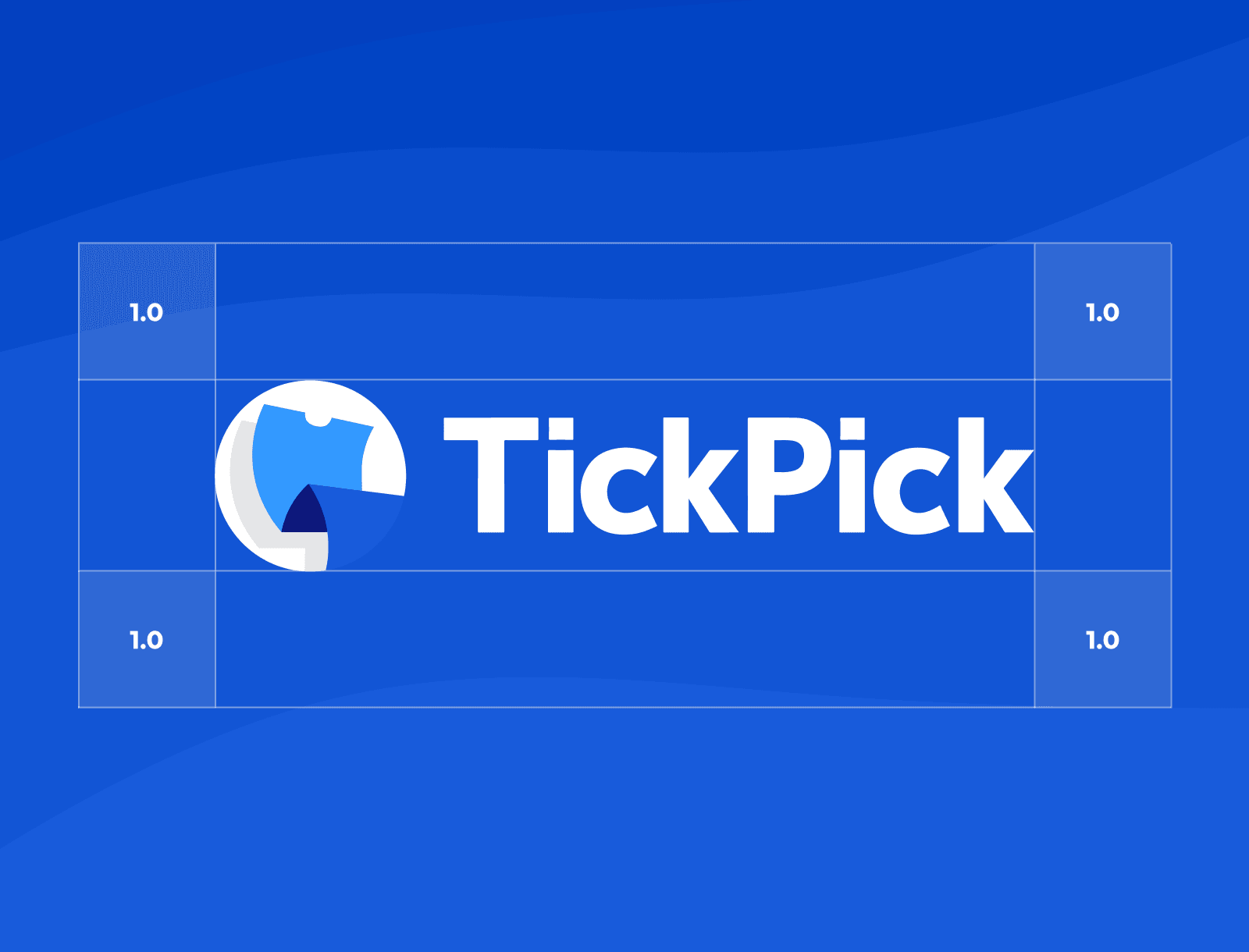
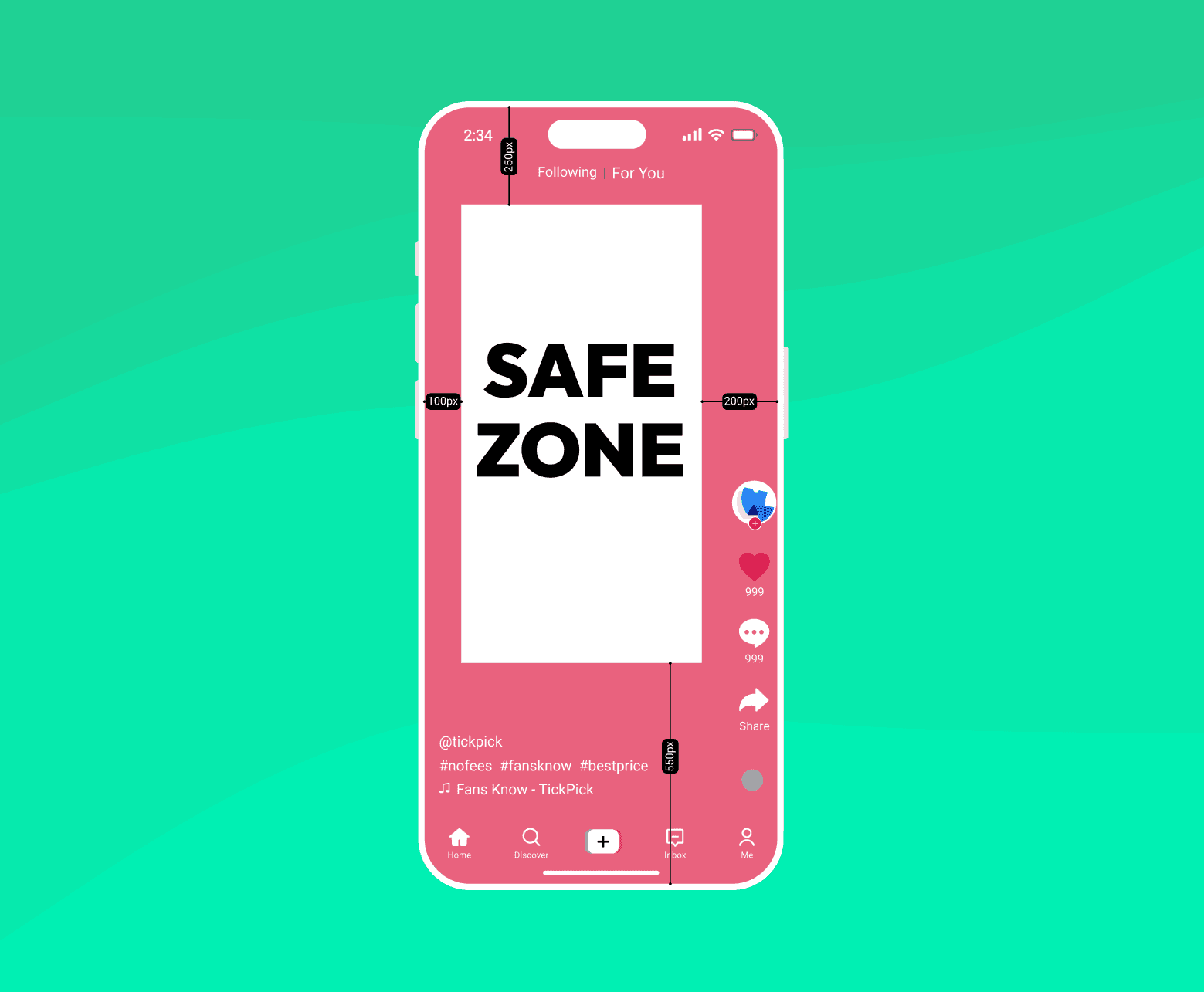
Safe Zone
All text or logos on screen should be placed INSIDE of the safe zones
Don’ts (Avoid These Mistakes)
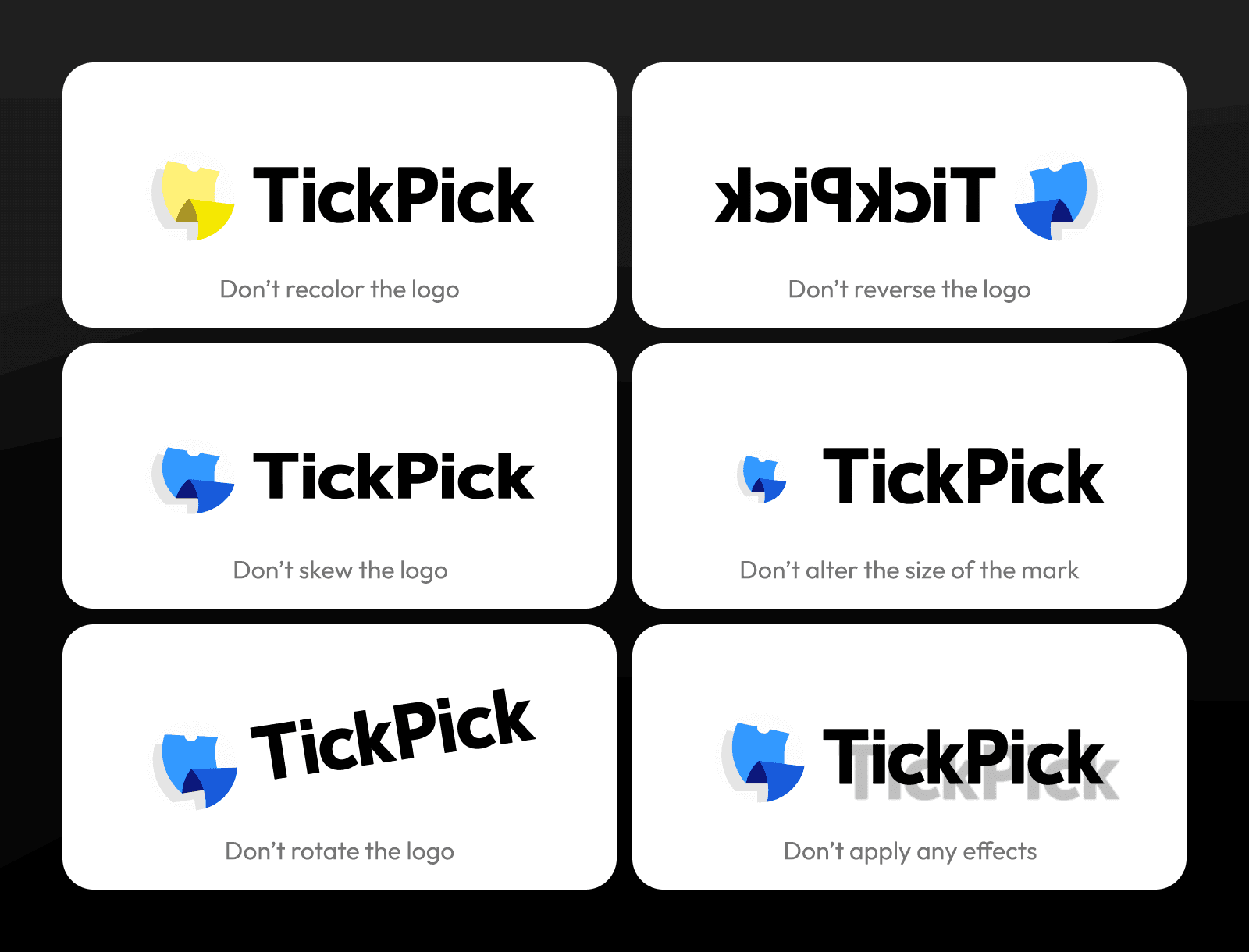
✘ Don’t change logo colors or apply gradients/effects (including stroke).
✘ Don’t rotate, skew, add shadows, or apply any distortion.
✘ Don’t place the logo on busy or clashing backgrounds without a clear space buffer.
✘ Don’t outline or crop the logo into shapes you create.
✘ Don’t use unapproved variants (e.g., old versions, logo with TM, unofficial edits).
✘ Don’t pair the TickPick logo too close to other logos without spacing,
especially in collab videos or co-branding.
Primary palette
TP Light
Hex #D6EBFF
PMS 2905c
CMYK 16,8,0,0
TP Sky
Hex #85C2FF
PMS 298c
CMYK 48,24,0,0
Secondary palette
TP Orange
Hex #FFB222
PMS 1235c
CMYK 16,8,0,0
TP Yellow
Hex #FFE000
PMS 102c
CMYK 48,24,0,0
Creator Checklist (Quick)
✔ Logo used matches current TickPick assets
✔ Logo isn’t distorted, recolored or has added stroke
✔ Logo has enough contrast and safe spacing
✔ No unauthorized elements around/through the logo
✔ Creator visuals align with brand aesthetics (colors & typography)